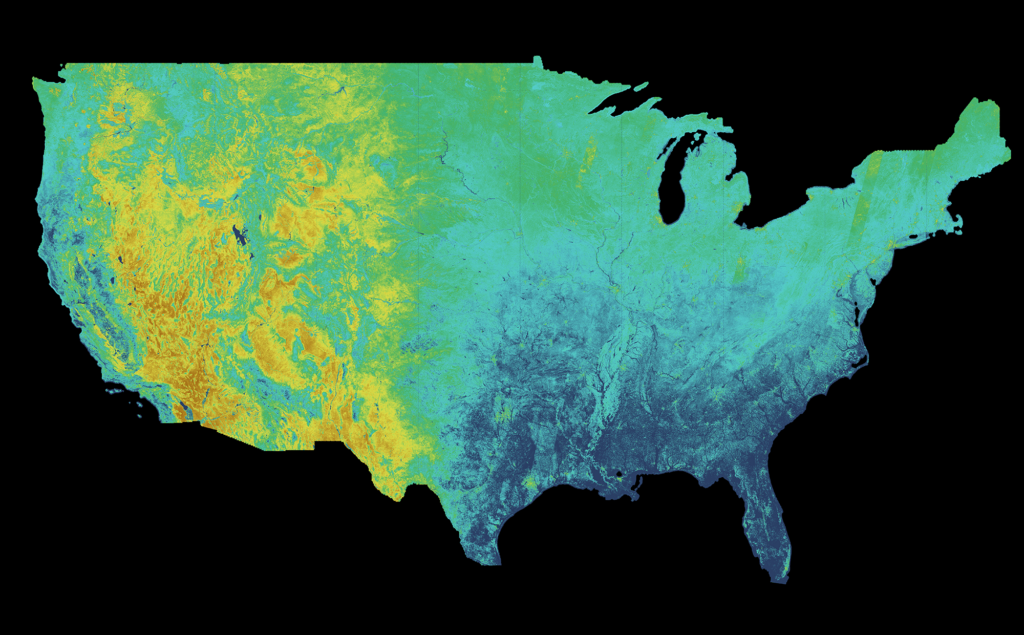
Find, customize, and download evapotranspiration data quickly and easily.
The OpenET Data Explorer is designed to help you access satellite-based ET data for specific fields, farms, or regions — without needing to write code or have specialized technical skills. Below, you’ll find step-by-step instructions, practical tips, and video tutorials to guide you through the process.
Getting Started with the Data Explorer
Launch the Data Explorer
Click here to open the Data Explorer in a new window. You’ll be greeted with an interactive map and several tools to help you find the area you’re interested in.
You’ll need to have an OpenET account in order to access the Data – create one here.
Tip:Zoom in on your location manually, or use the search bar to quickly find a town, watershed, or specific address. You can toggle between field view and raster view for additional query options.
Select Your Area of Interest
Option 1: Select the Draw Custom Area button and use the drawing tools to create a custom boundary for your query:
Click on the Draw Polygon icon.
Outline your area directly on the map.
Close the vertices to complete the shape.
Select Data Variables: Choose “Actual ET,” “Reference ET,” or other available parameters.
Select Models: Default is the model “Ensemble Average,” but you can choose individual models if needed.
Return to the main view and toggle raster view.
Click any point on the map where data is available to see data for a single pixel.
Understanding & Downloading Results
View Charts and Summaries: See monthly ET totals for prior years, and switch to a cumulative view of seasonal ET totals.
Download Data: Export results as CSV files for further analysis.
Utilizing the OpenET API
Access OpenET data programmatically with easy-to-use tools.
The OpenET API allows developers, researchers, and advanced users to automate access to ET data, integrate OpenET into existing applications, and perform custom analyses at scale. Below you’ll find clear instructions to help you get started, plus example queries and links to complete documentation.
Getting Started with the API
Request an API Key
To access the API, you’ll first need to submit a request for an API key. Sign up or log in here and navigate to your user profile to request a key.
Tip: Keep your API key secure. If you believe your key has been compromised, delete and regenerate it immediately from your account dashboard.
Make Your First API Call
Your API requests are authenticated using API keys. Keys can be created, retrieved, and deleted from your Account Dashboard. Under the API Keys tab you can generate multiple keys for a single account, however they will all be tied to the same quota.
Access the complete list of training video walkthroughs here.